
Before
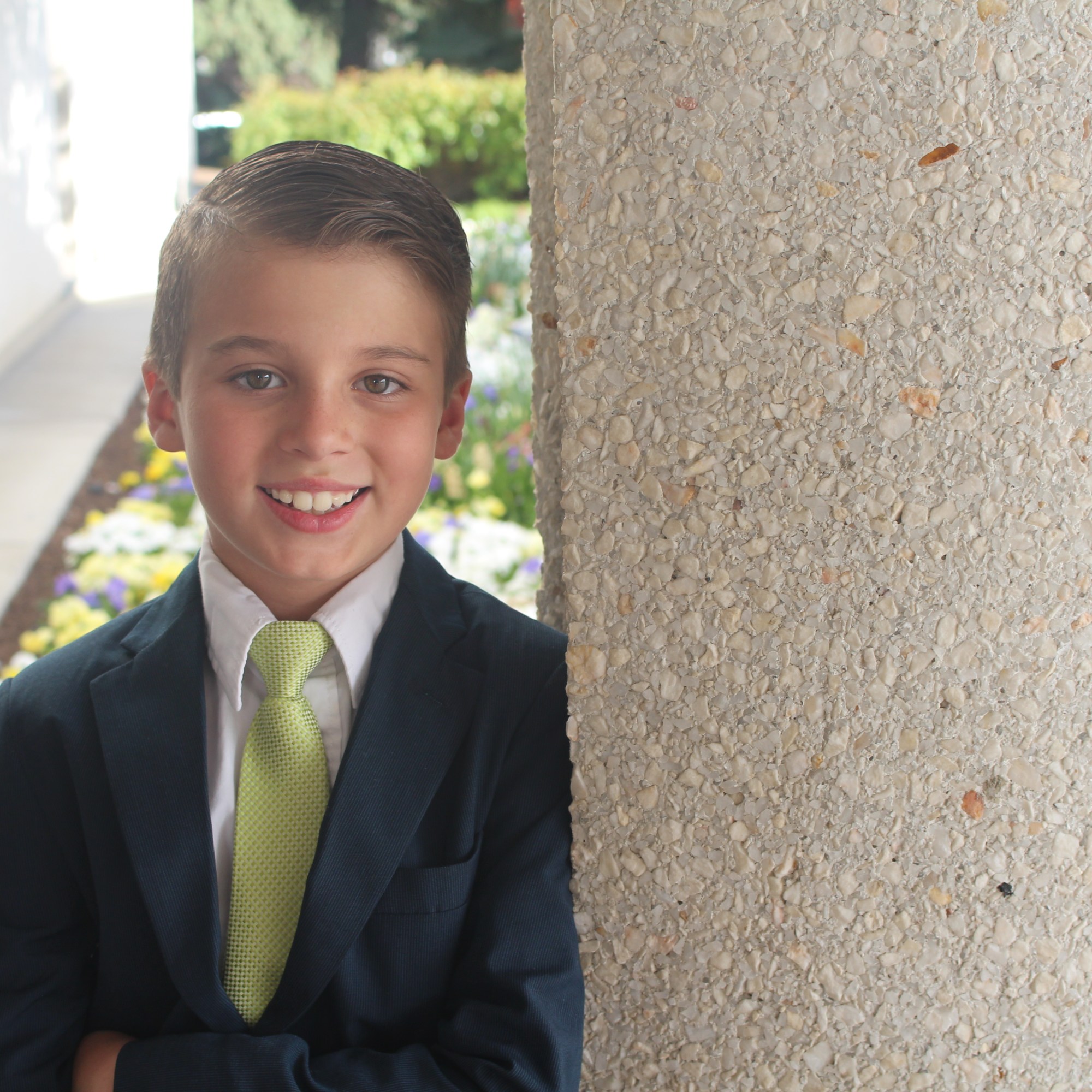
After
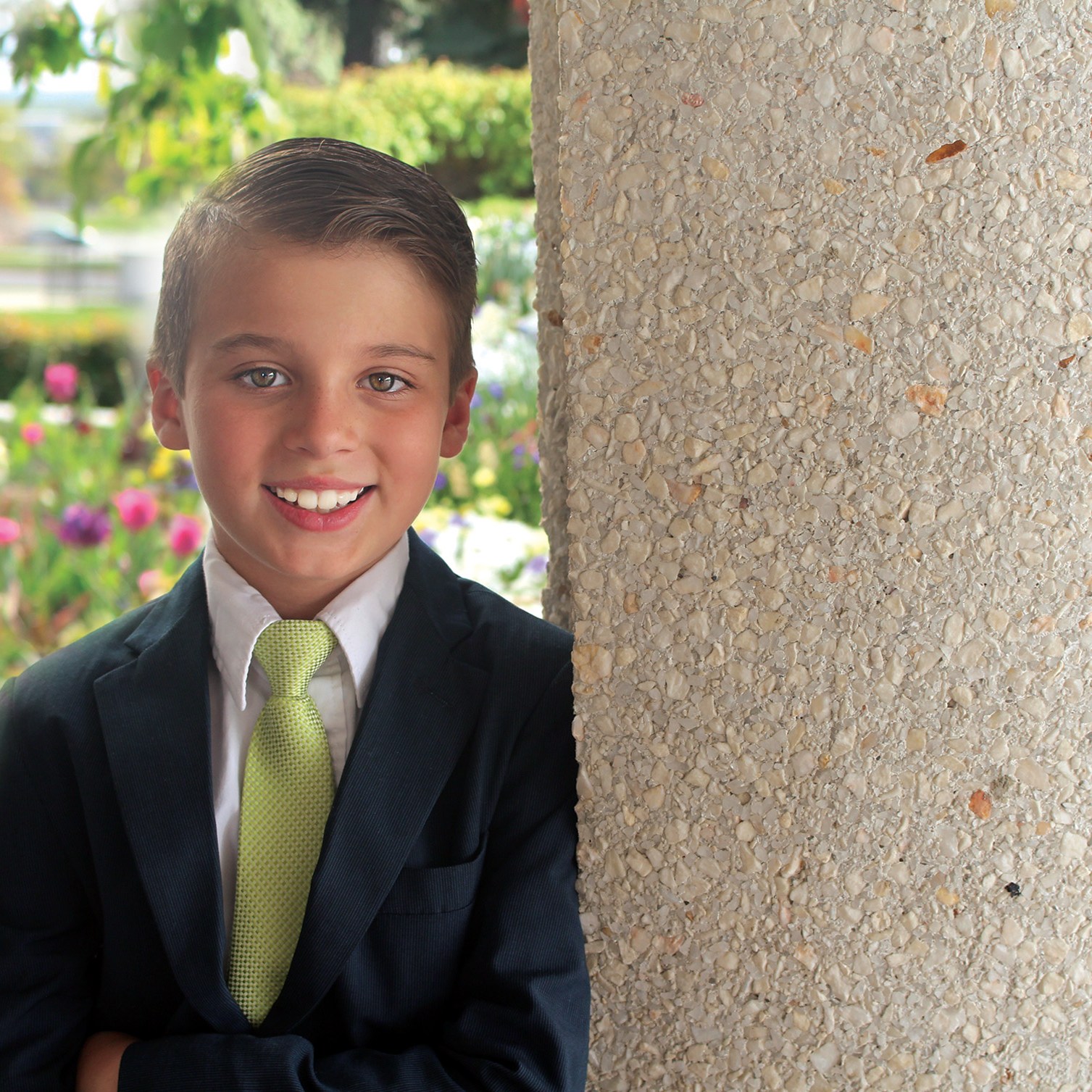
Used photoshop to adjusted levels, whitened teeth, brightened eyes, and add flowers from another photo into the background.
Before
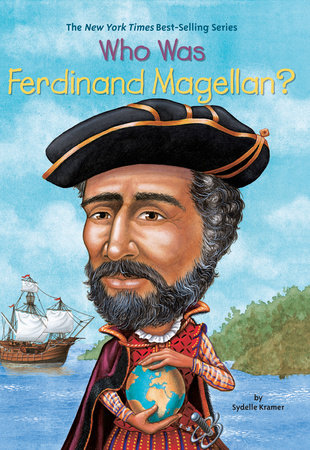
After
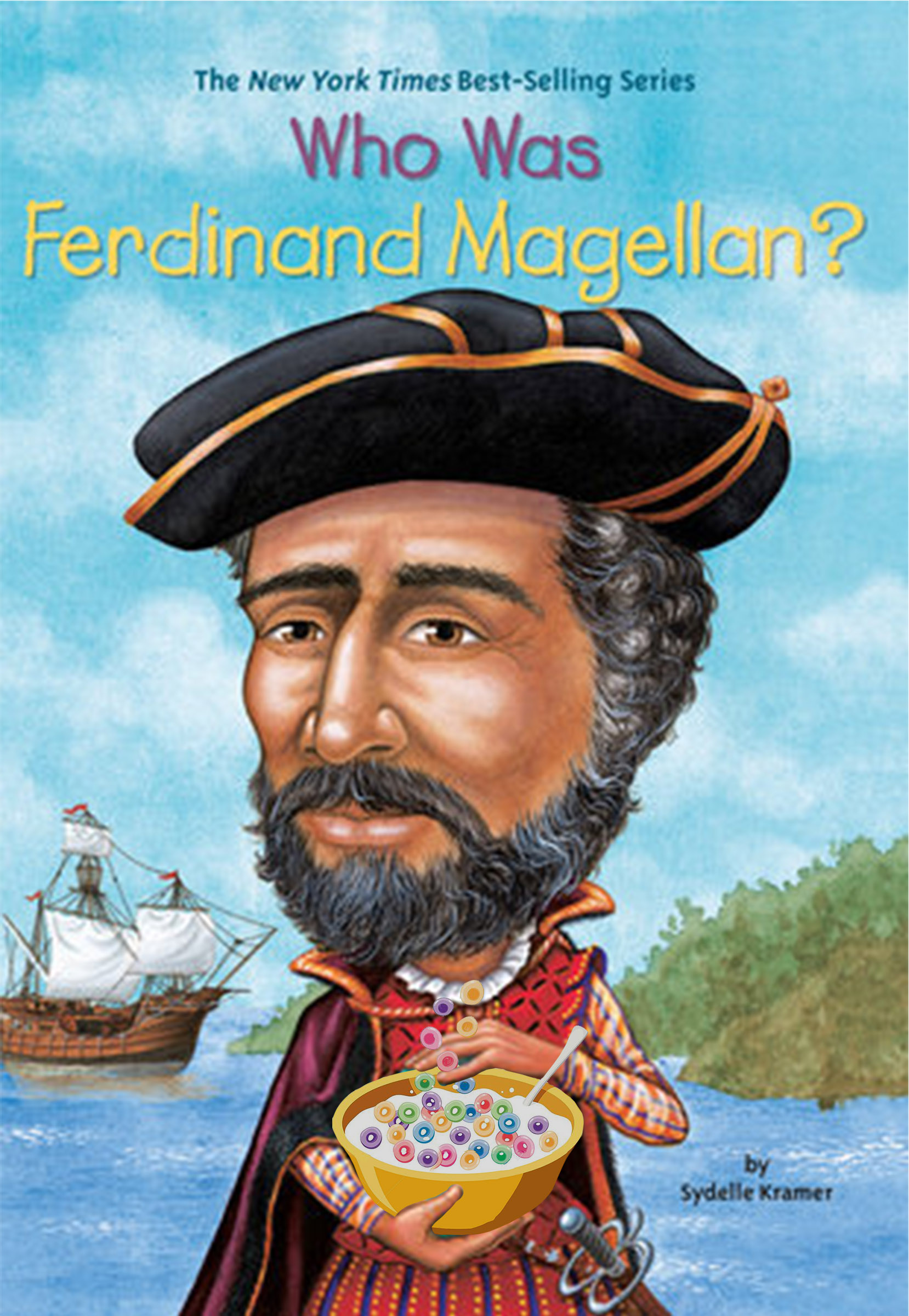
Use photoshop to replace the globe with a cereal bowl into the hands of cartoon.
Before

After

Used photoshop to remove man out of background and added cars in place of.
Before
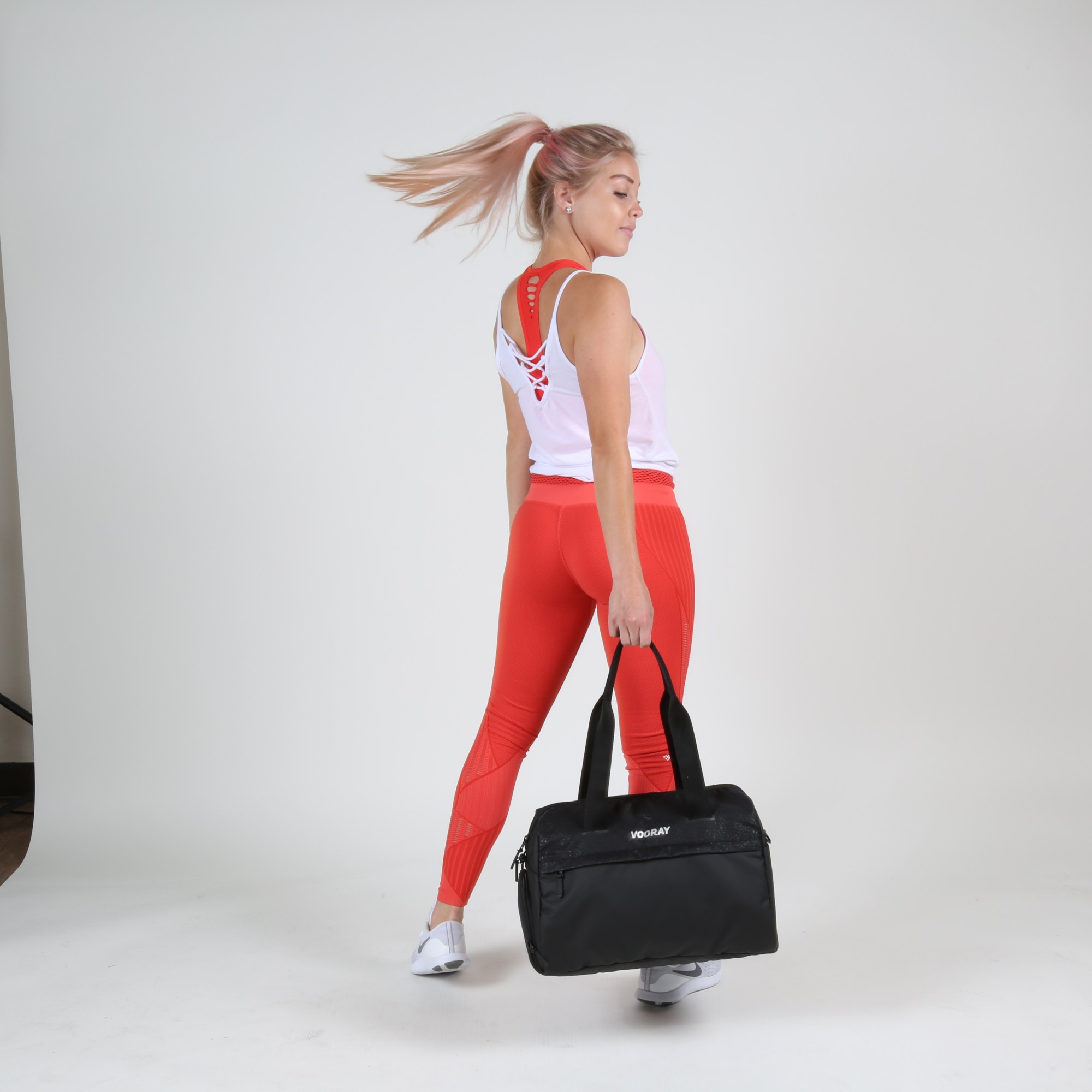
After
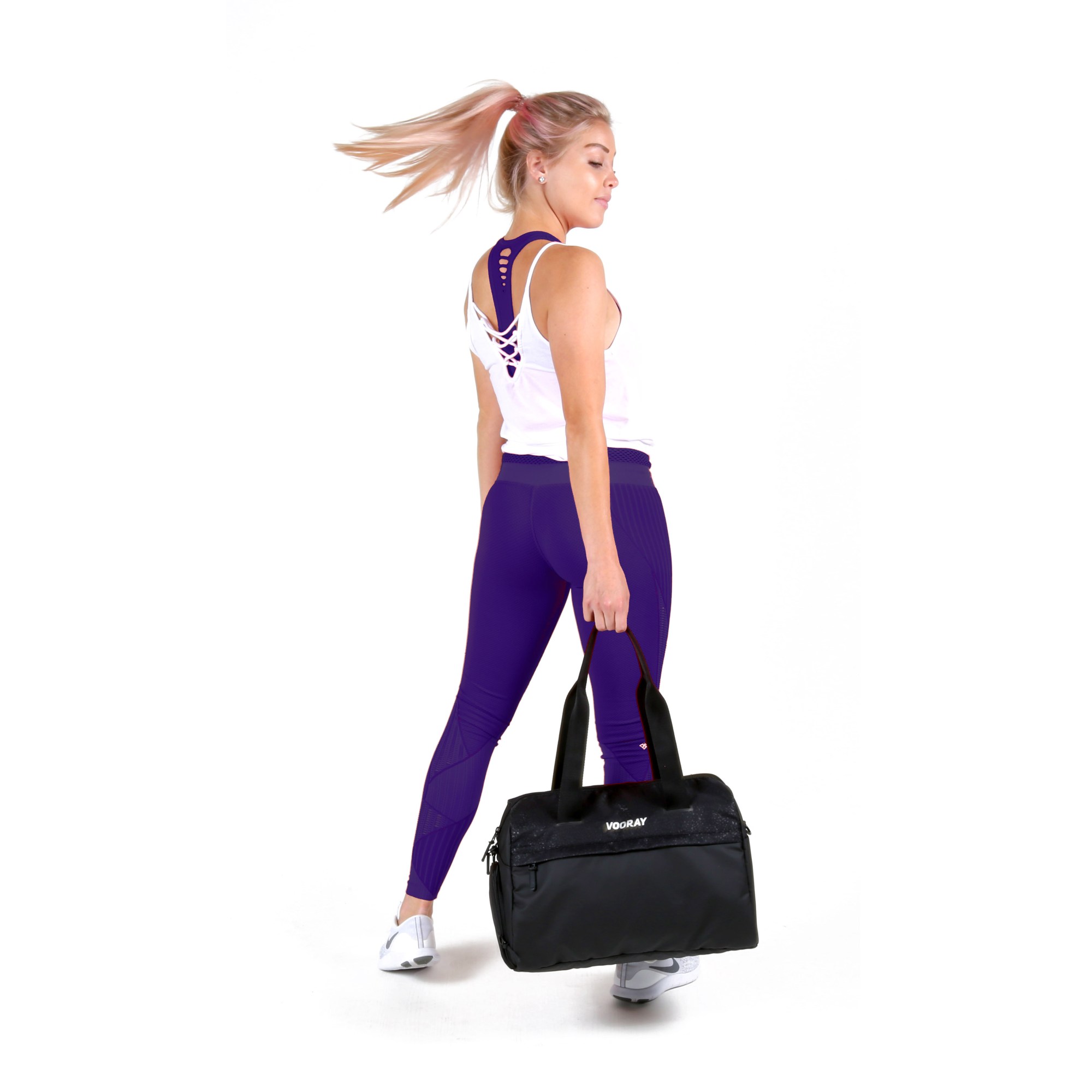
Used photoshop to white background edit photo and change the color of the model’s pants and sports bra to match marketing material.
Before
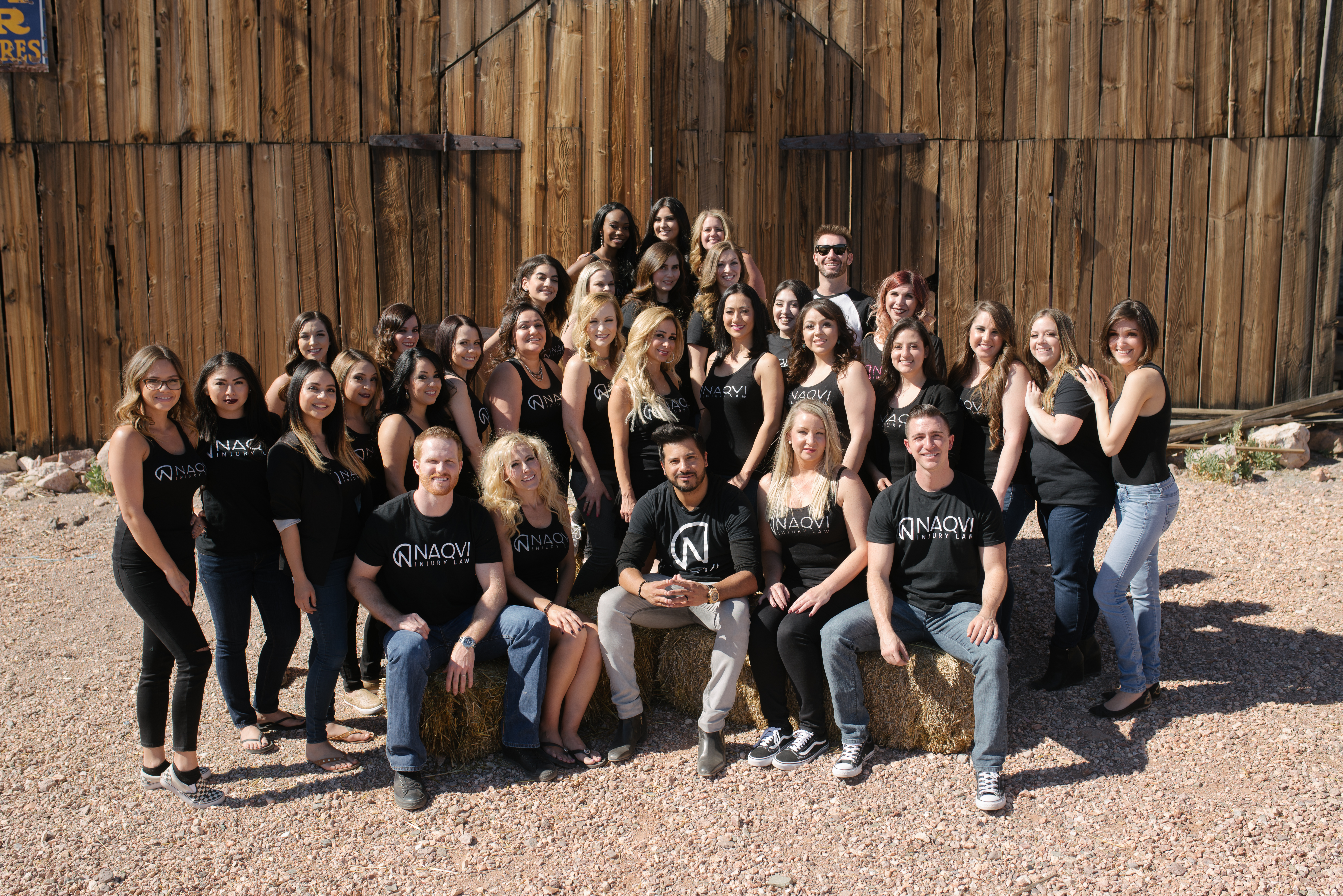
After
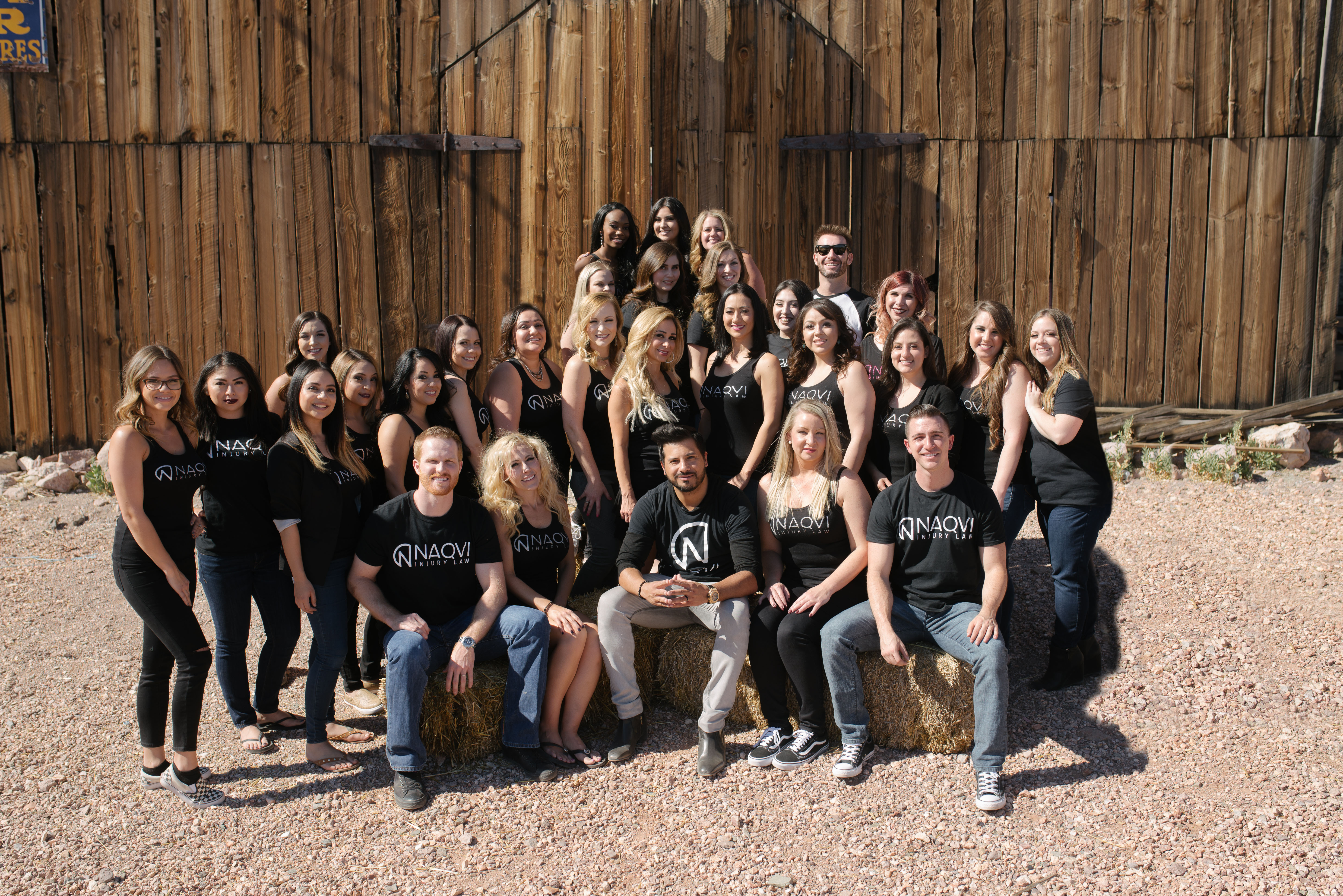
Used photoshop to remove three women from team photo and replace with wooden background.
Before
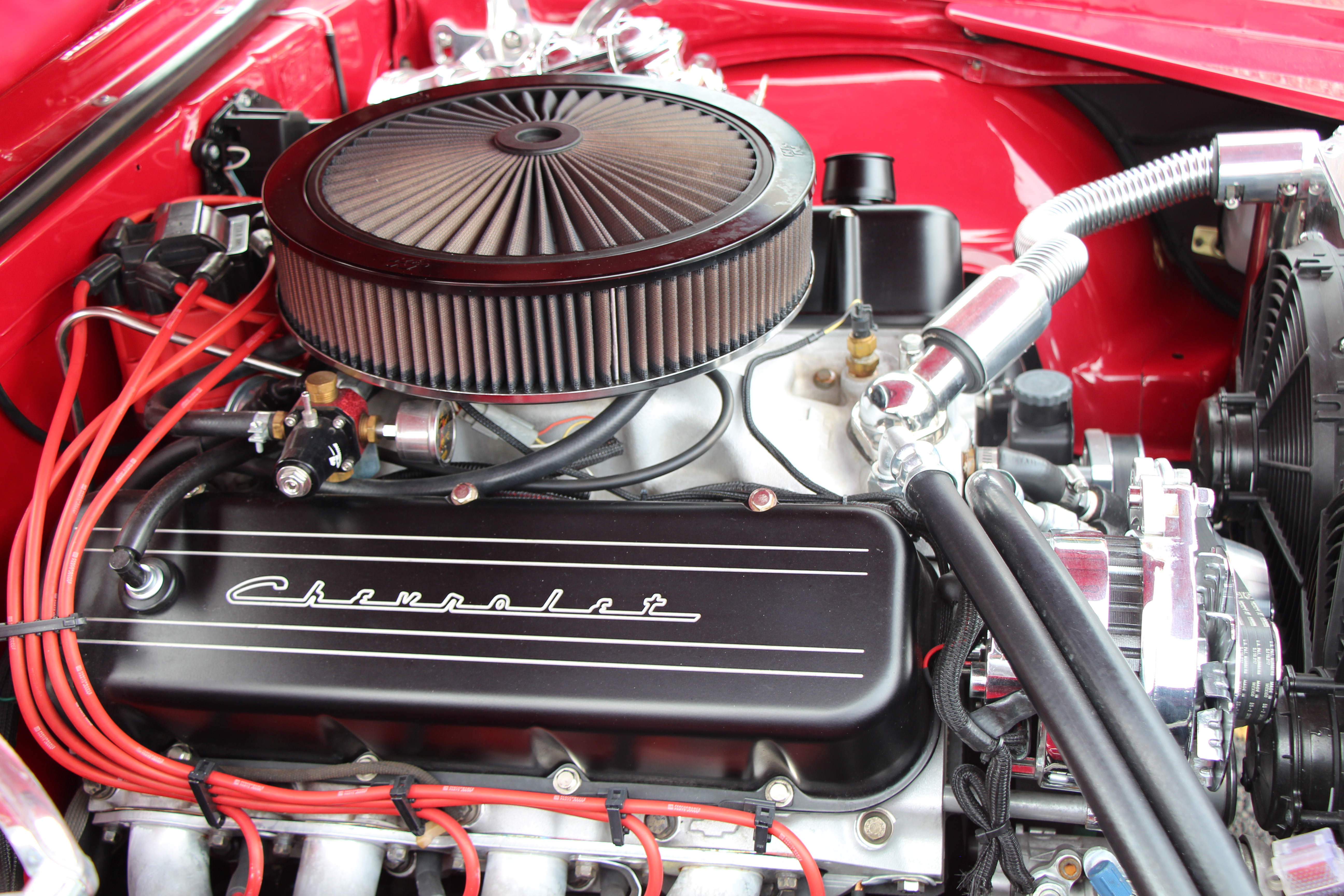
After
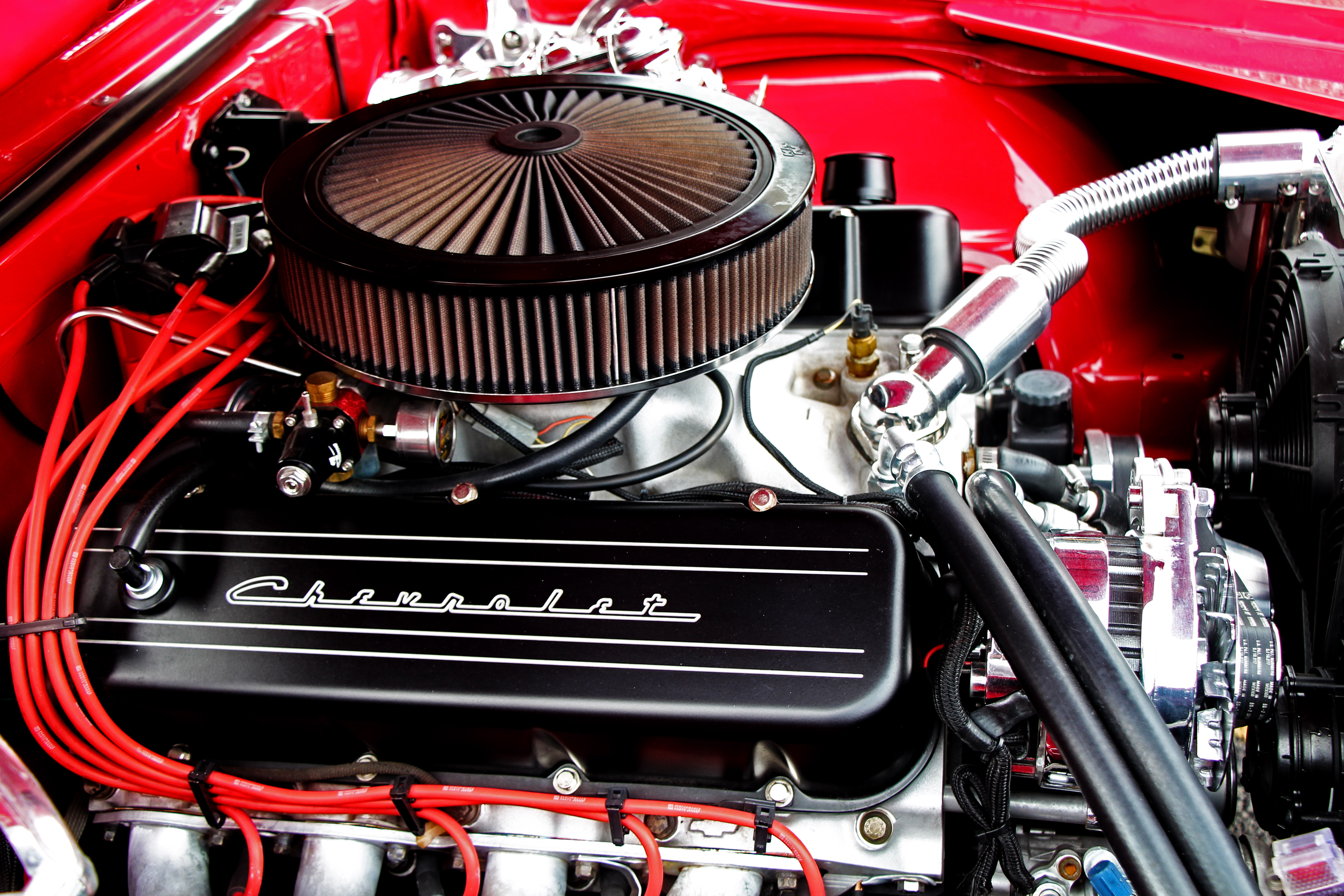
Used photoshop to make adjustments to give photo an HDR look.
Before
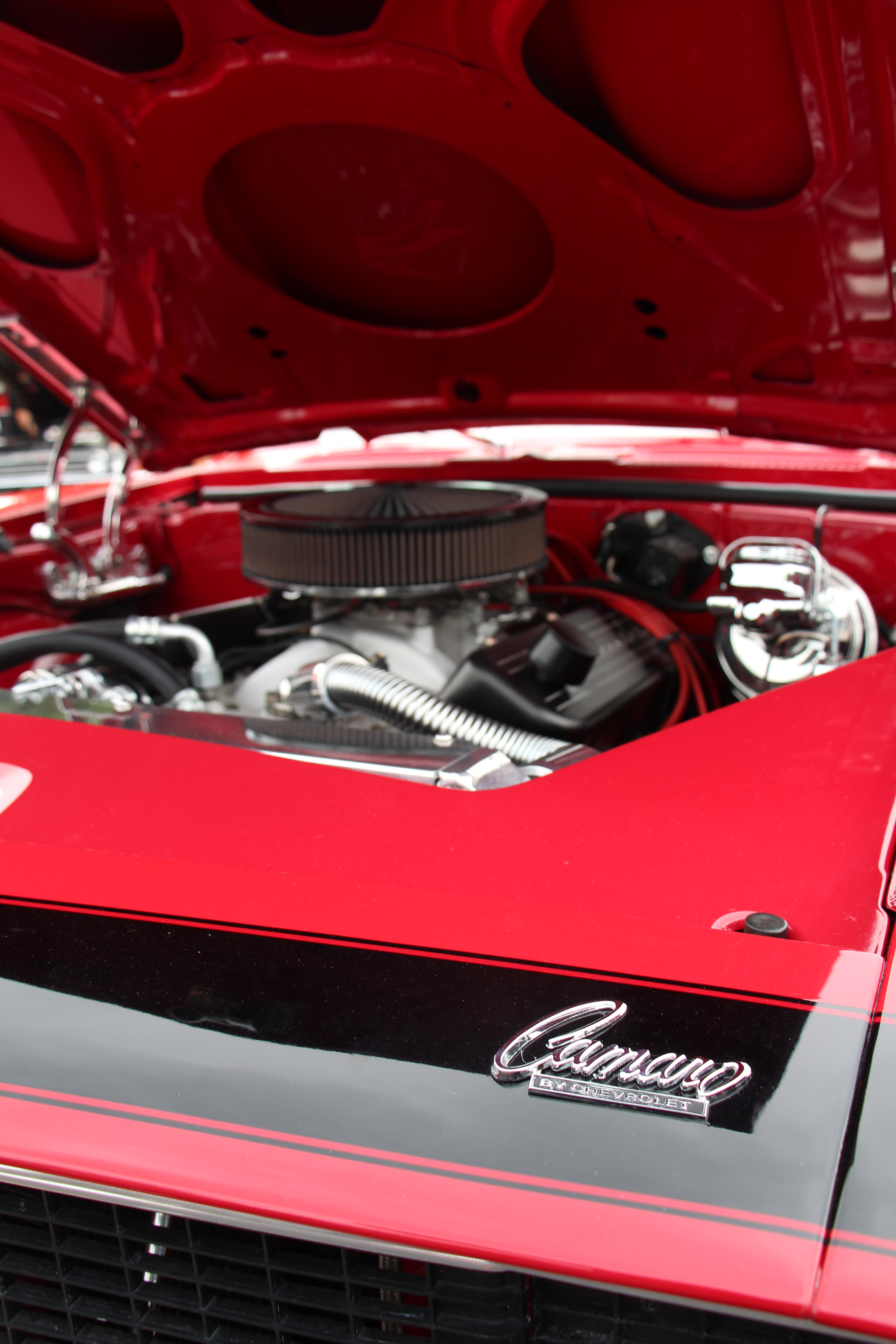
After
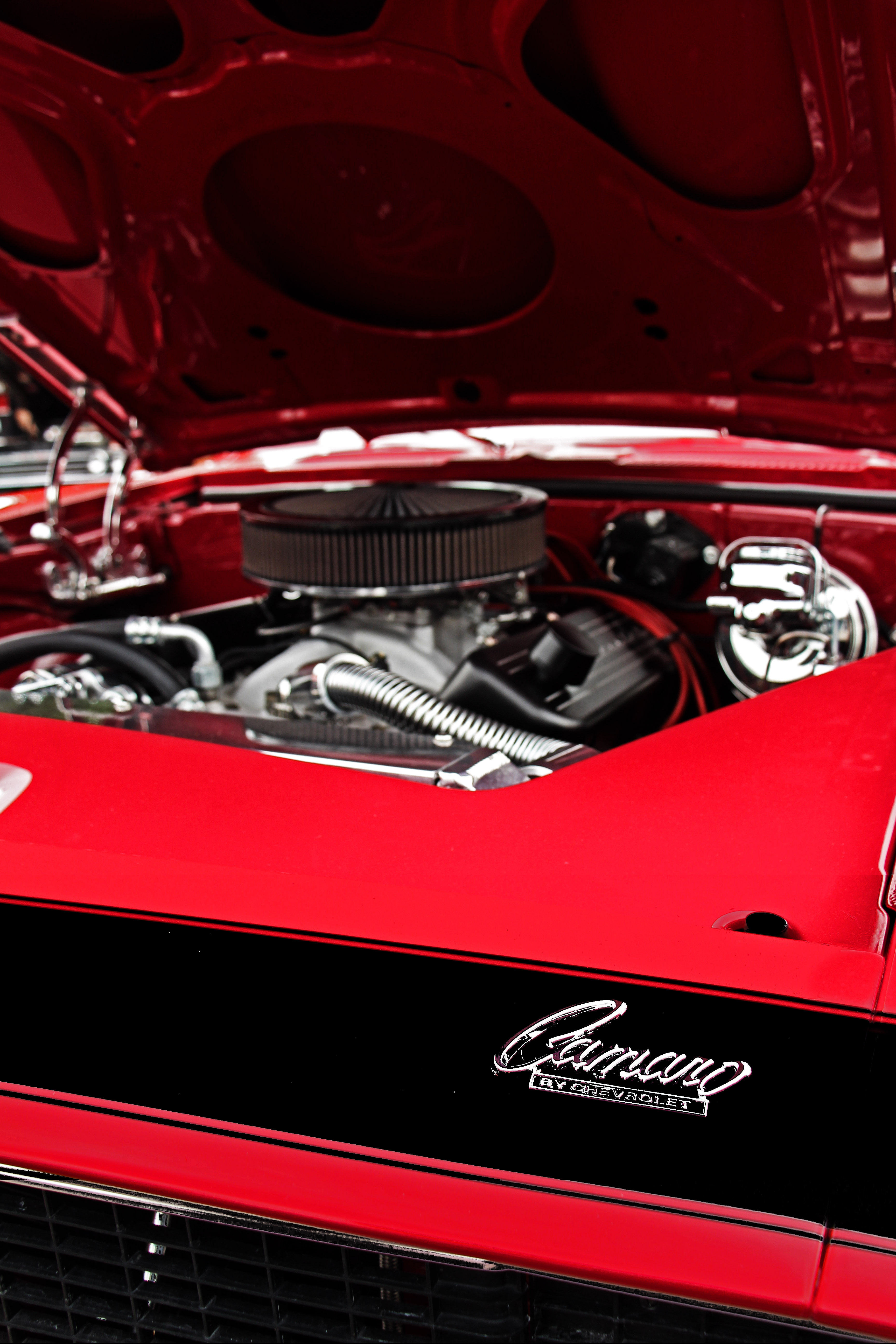
Used photoshop to make adjustments to give photo an HDR look and photoshopped the black accent paint for consistency.
Before

After

Used photoshop to remove colored background.
Before

After

Used photoshop to remove colored background.
Before

After

Used photoshop to remove man in background.
Before
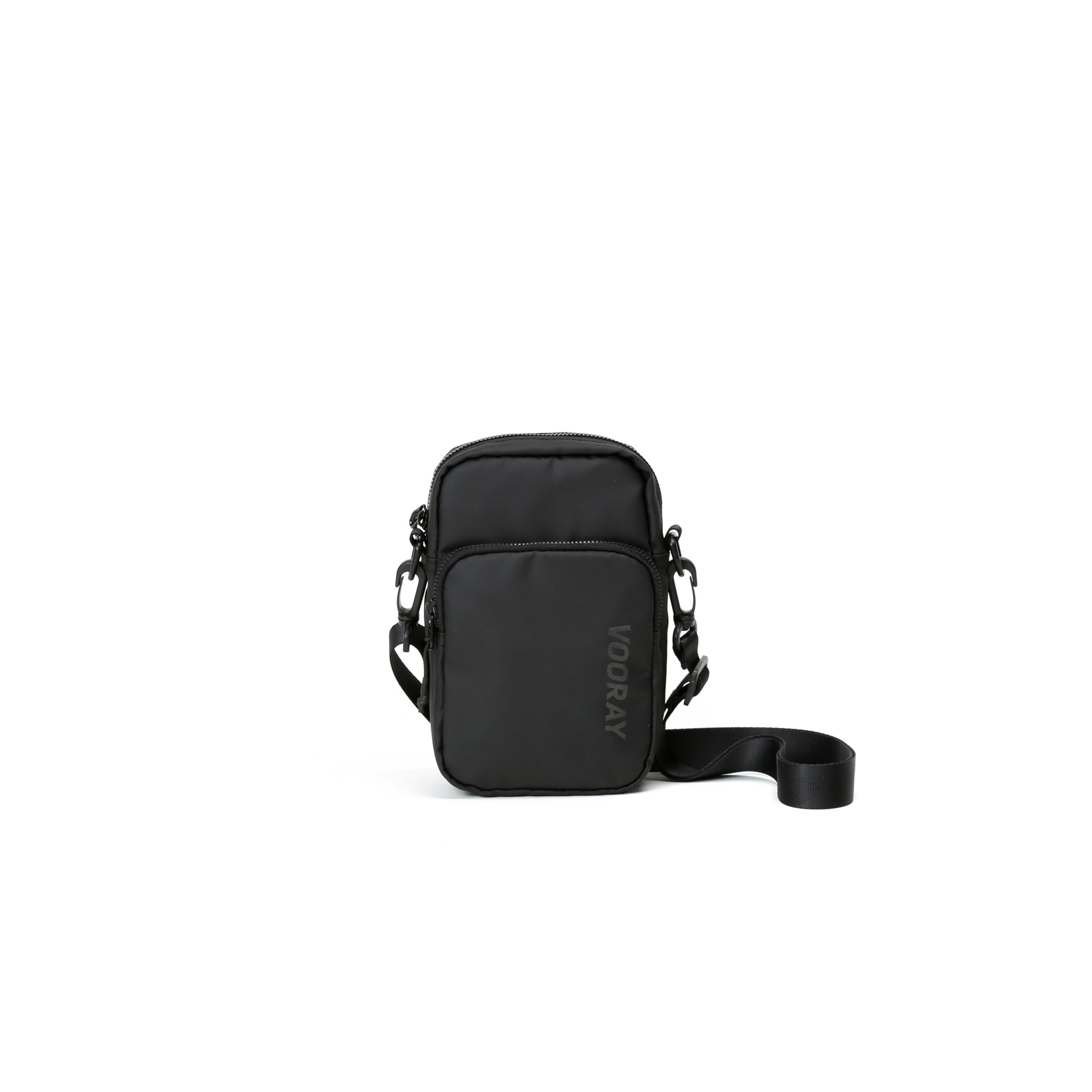
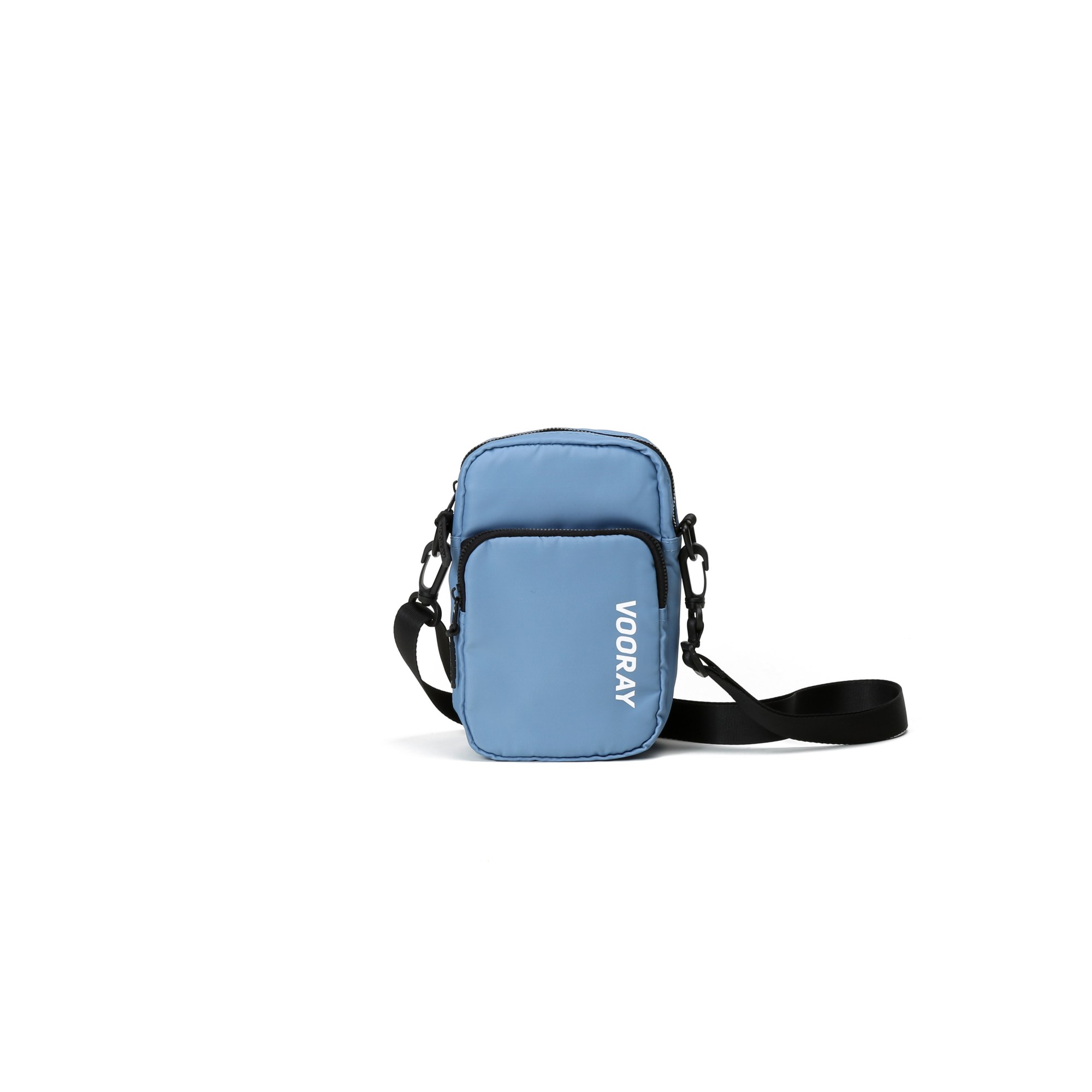
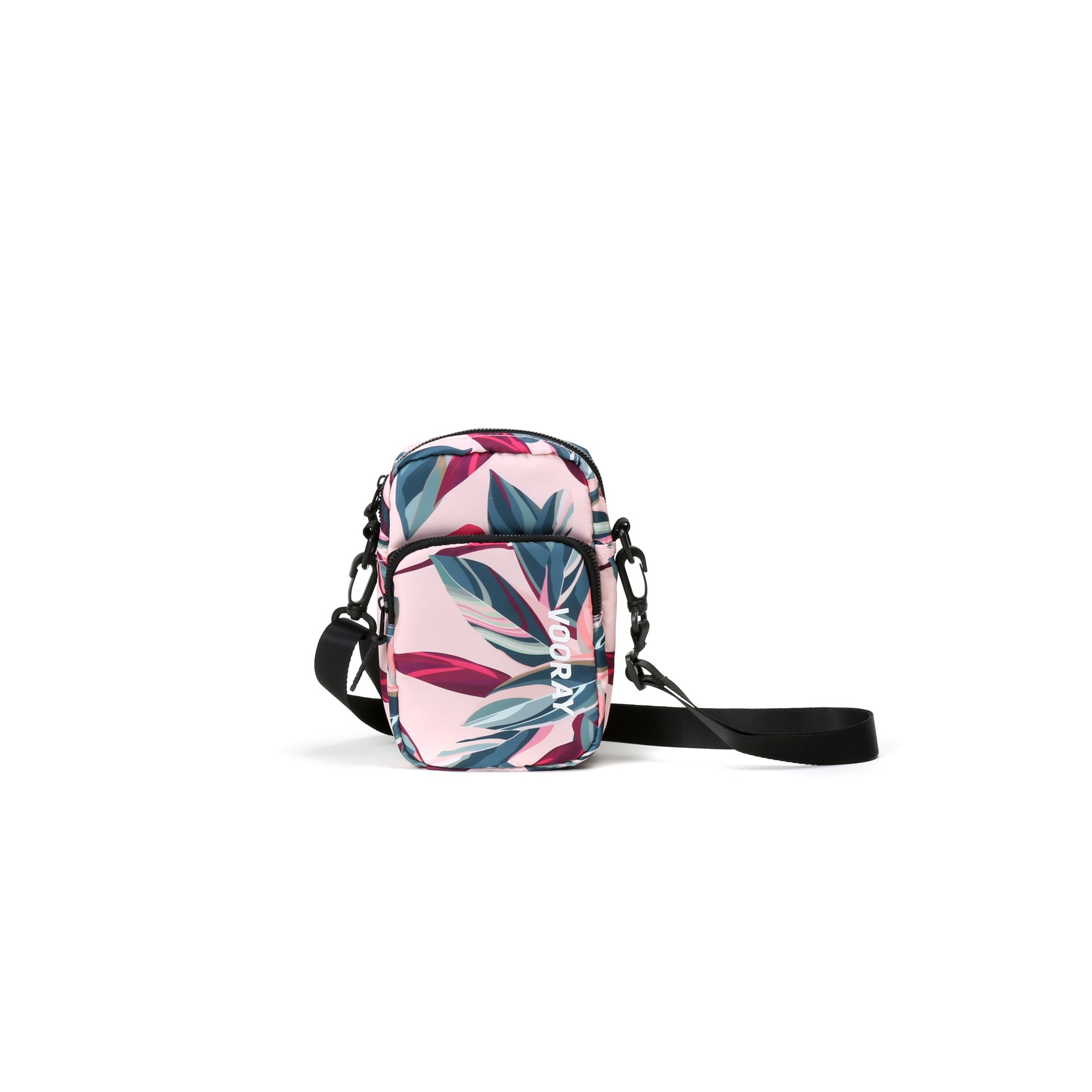
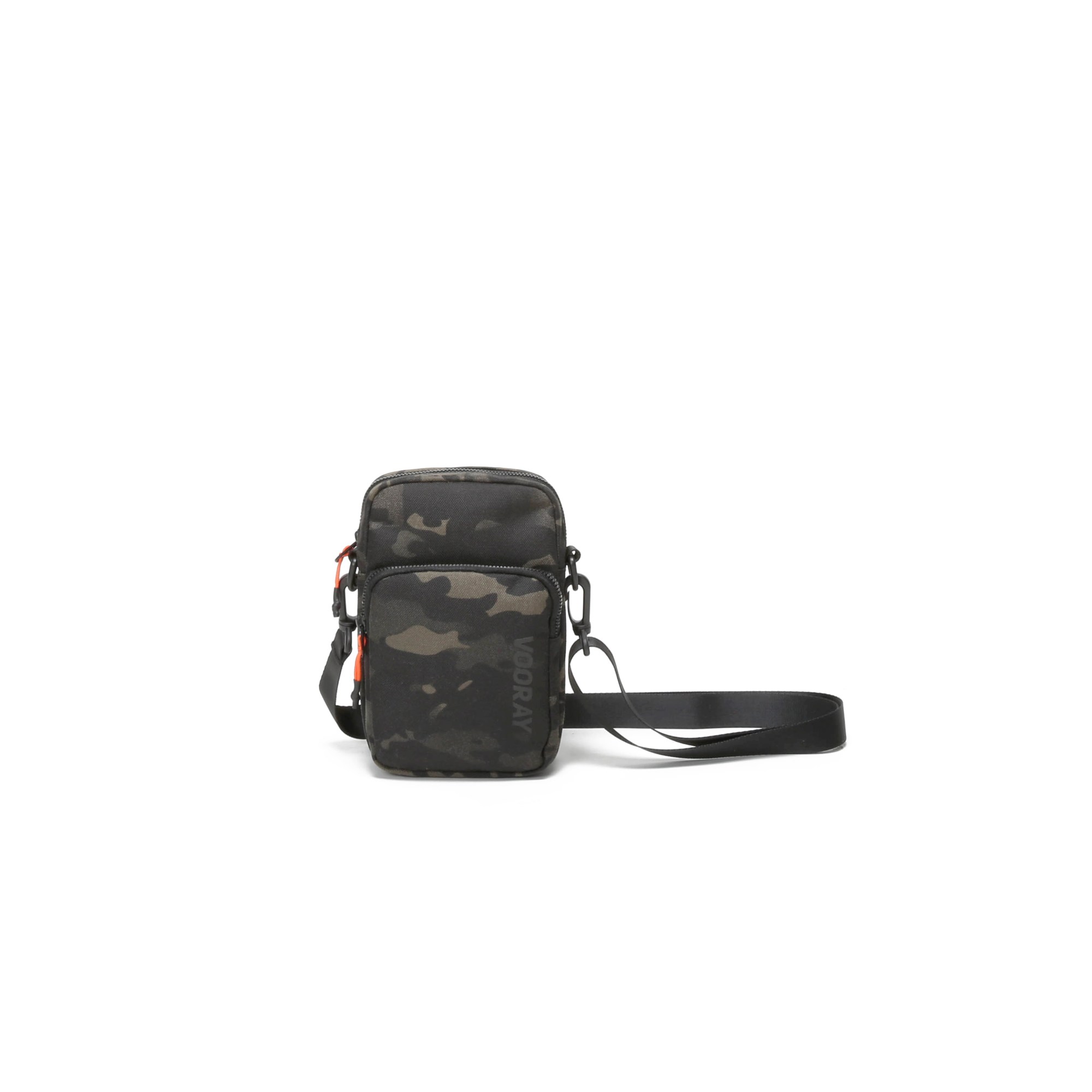
After
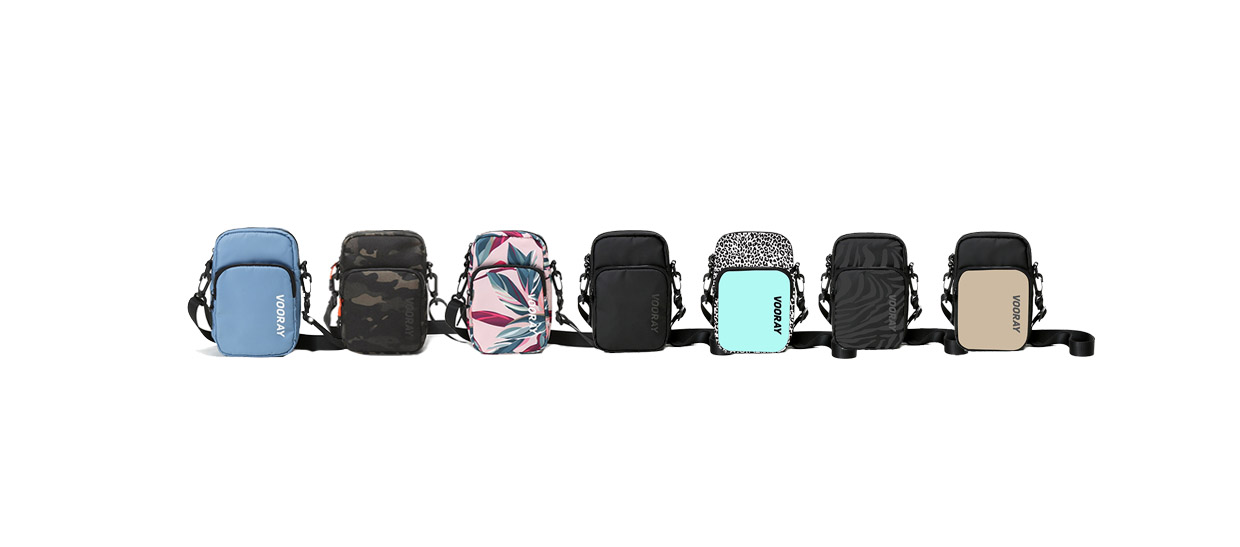
Used photoshop to combine seven photos into one.
Before
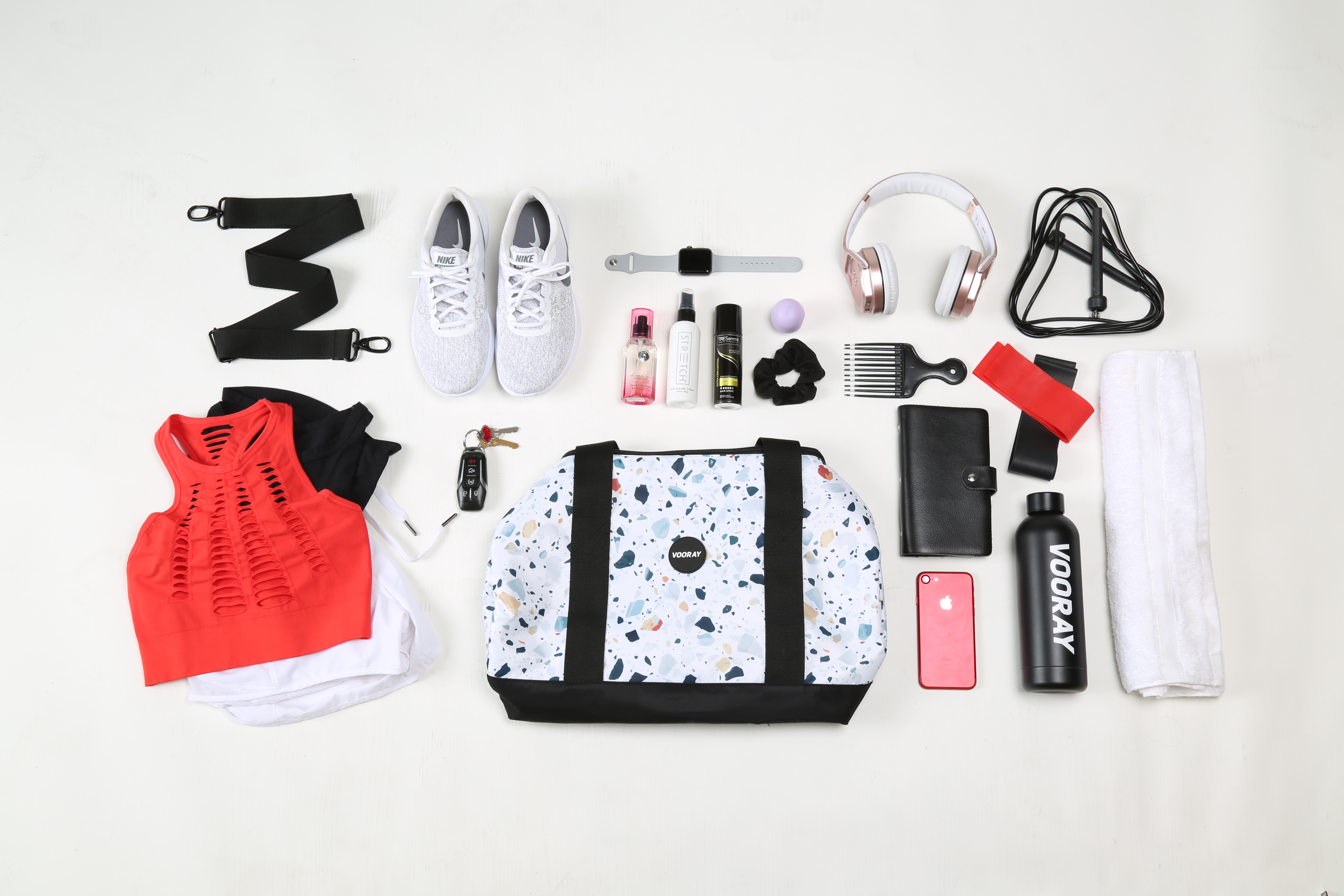
After
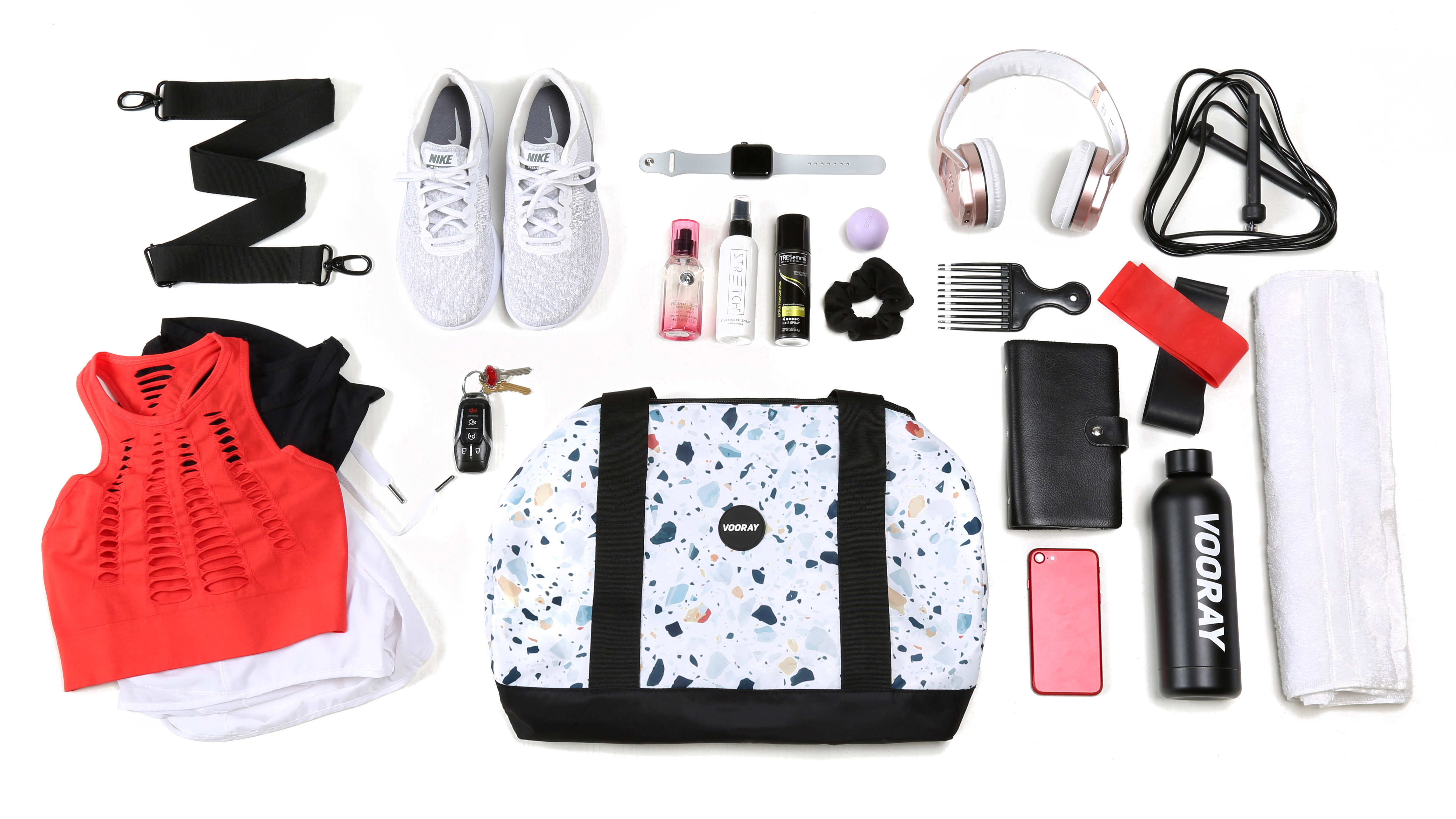
Used photoshop to white background edit photo and adjusted levels.
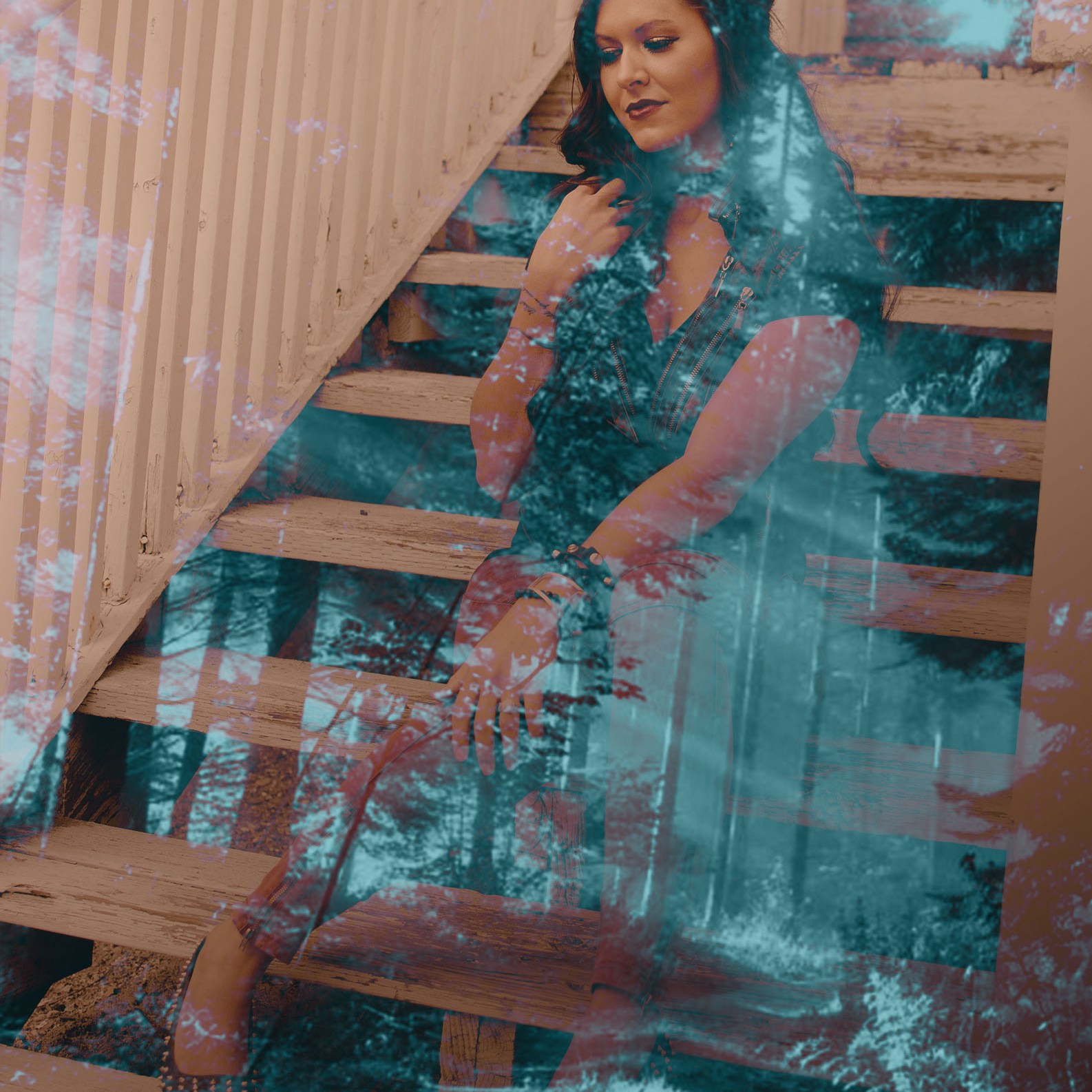
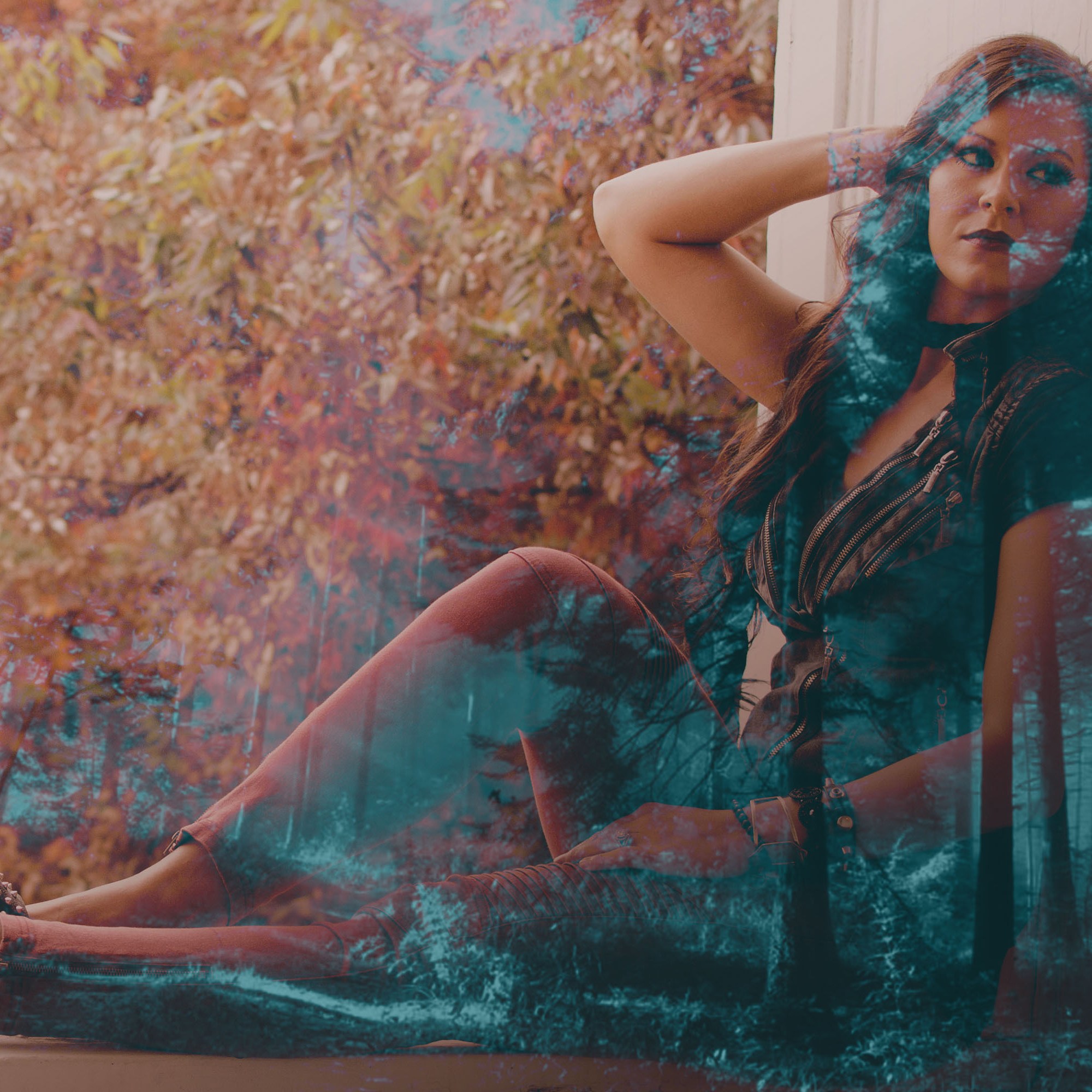
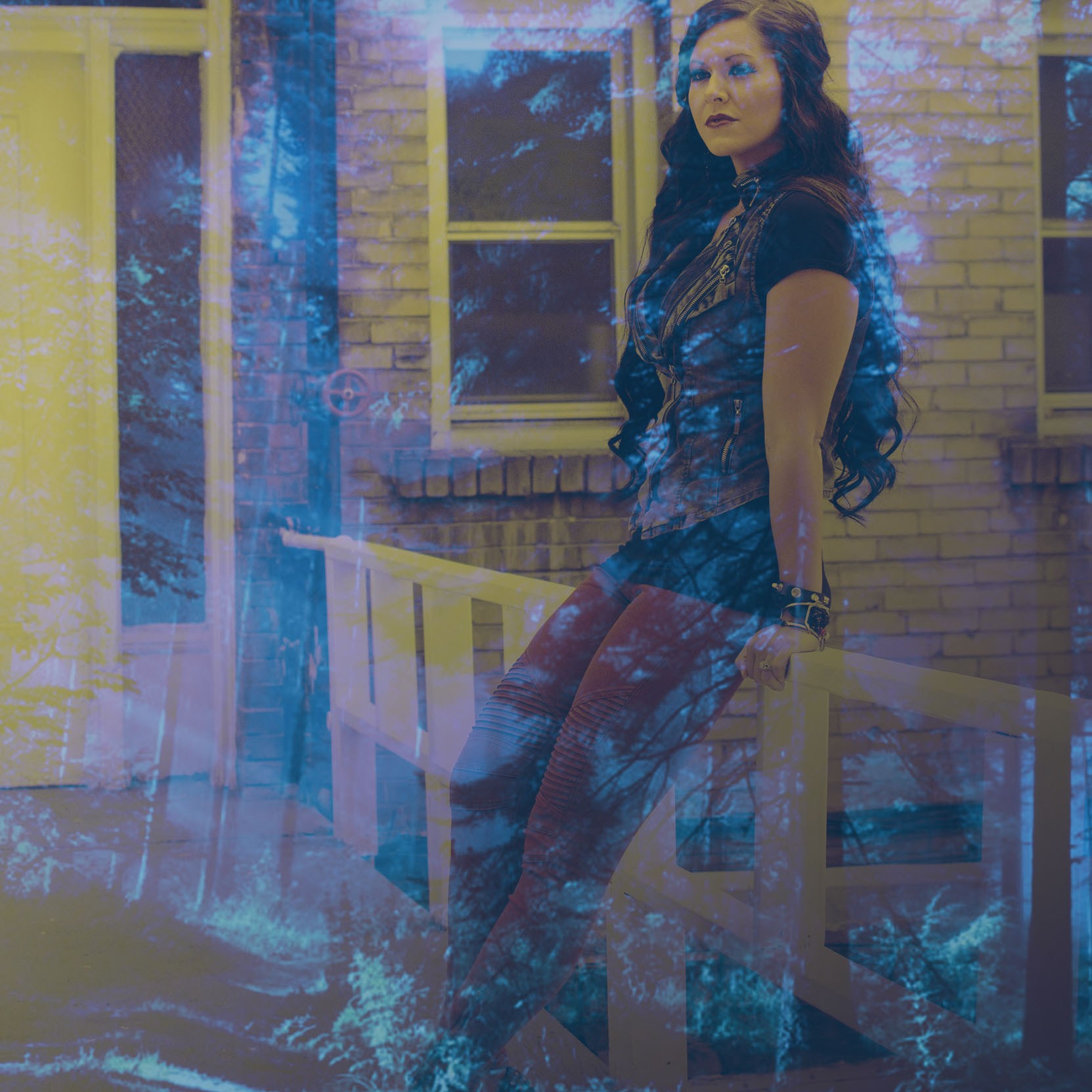
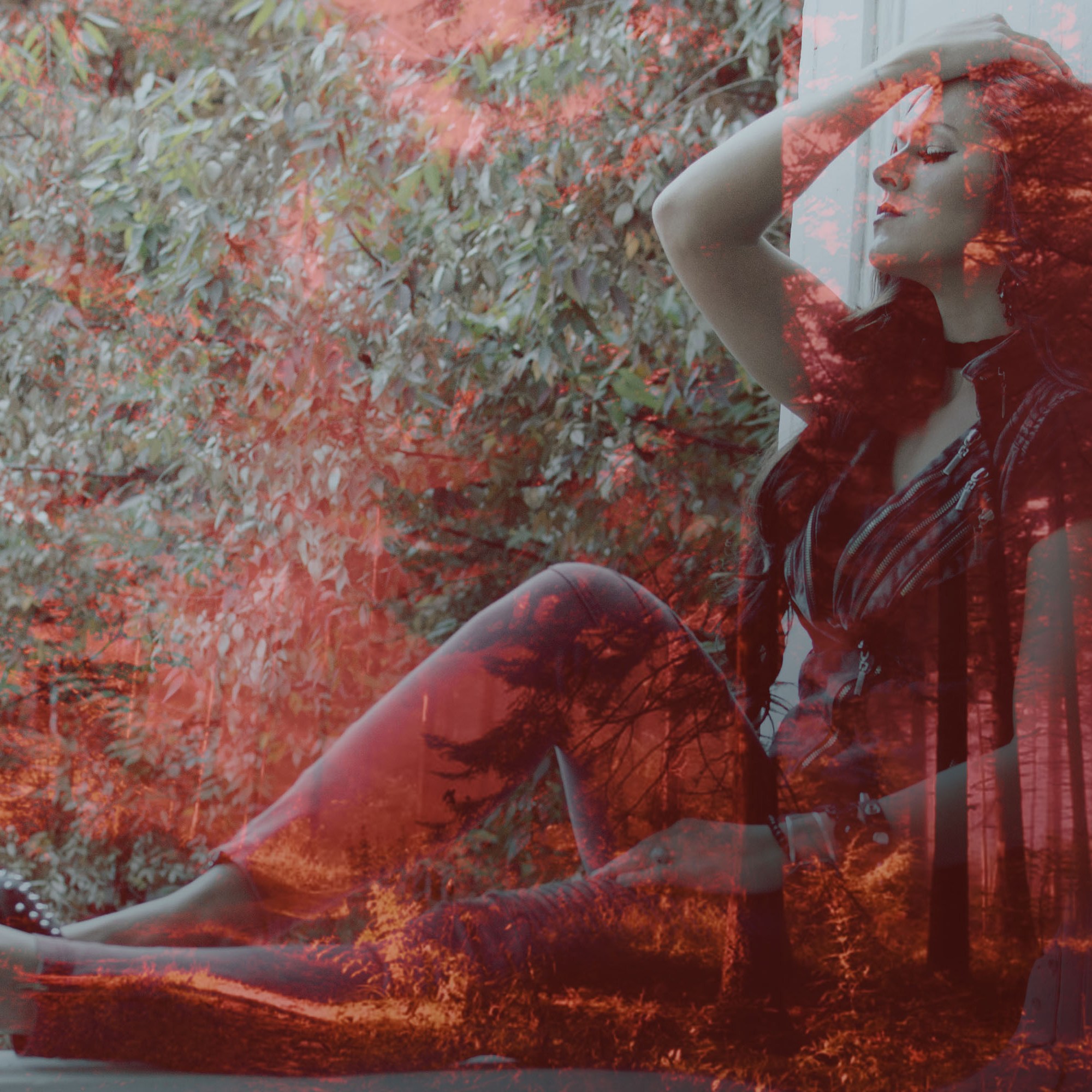
Double Exposure
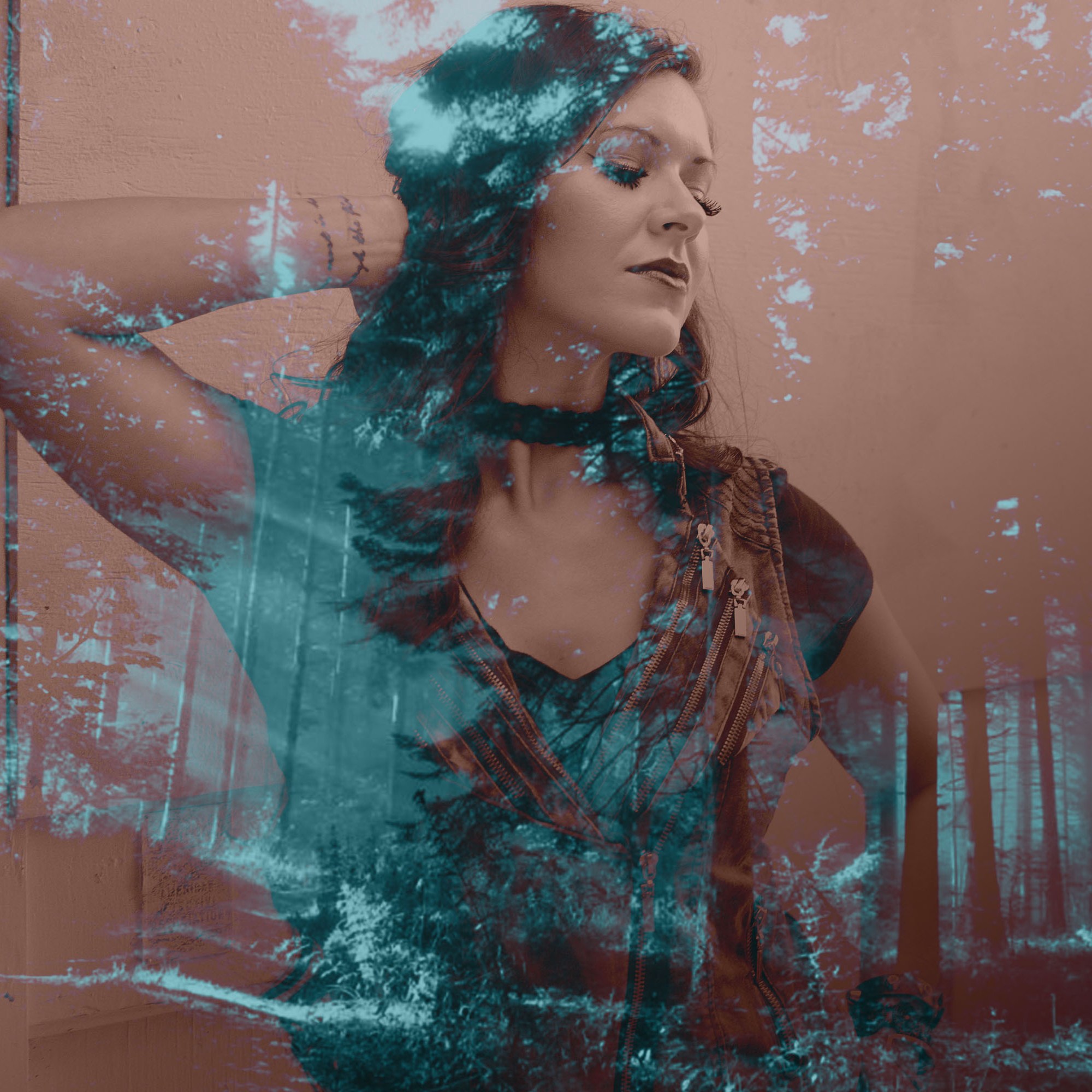

 Chelsi Davis Portfolio